How to Create a Character Sheet for Seedance 2.5
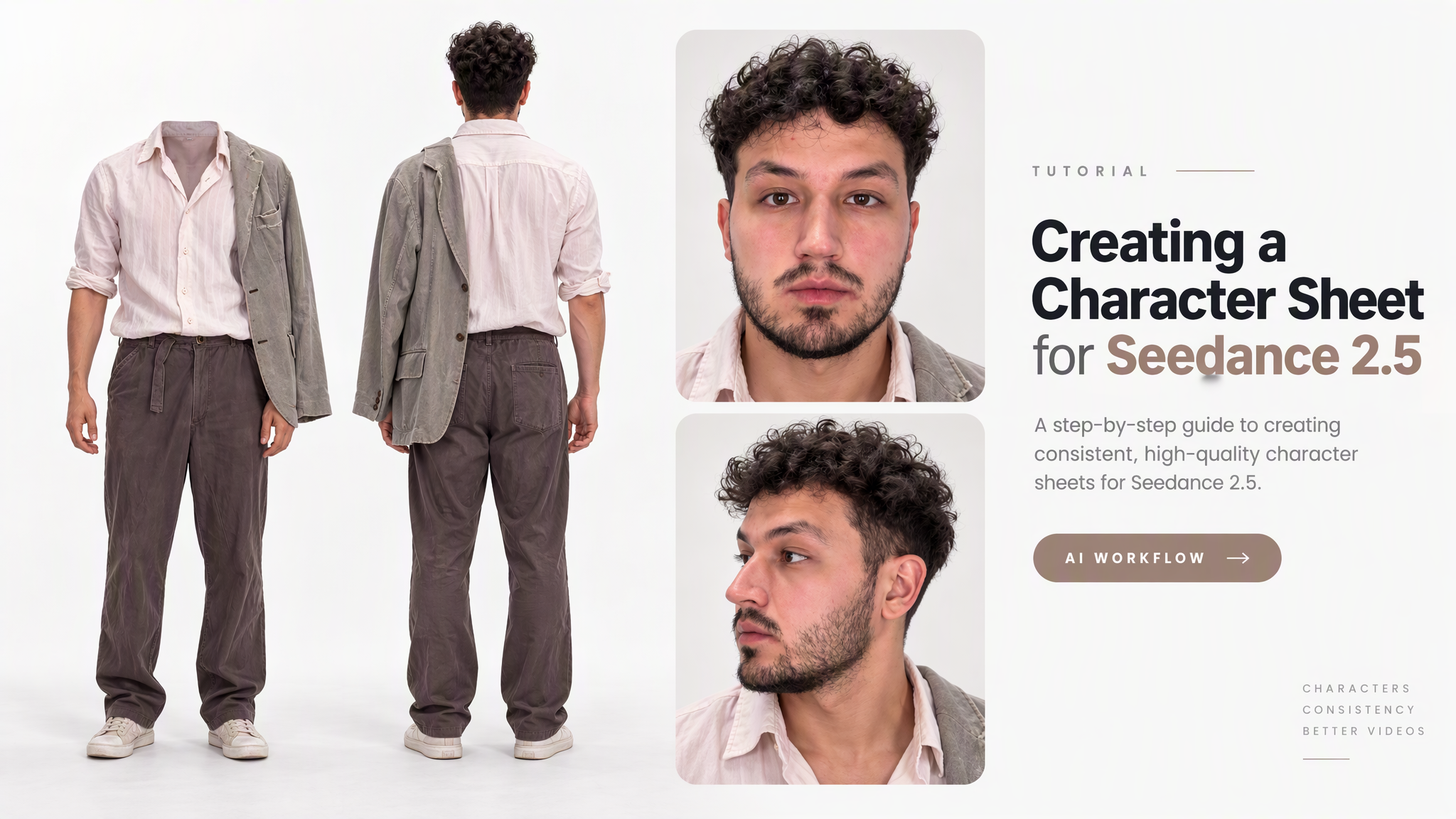
Learn how to create a character sheet for Seedance 2.5, which angles to use, and how to make it quickly in ZumaStudio.ai.
A character sheet helps preserve a character’s appearance when generating videos in Seedance 2.5. It shows the same character from multiple angles, so the model can better understand the face, hairstyle, clothing, and body proportions.
What is a character sheet
A character sheet is a set of views of the same character. It usually includes a front view, profile, 3/4 angles, and a full-body view. This is especially useful when the character needs to appear in different scenes, move, or turn toward the camera.
How to prepare a character sheet
Based on our tests, GPT Image 2.5 Sunburst works especially well for creating character sheets when using High Quality. This setting gives the best balance of image quality, natural appearance, and generation cost.
With XHigh and Max Quality, the result can sometimes look more grainy and less natural, while the cost becomes significantly higher. For that reason, we recommend starting with High Quality for this task.
For the best result, upload several photos of the same character from different angles. The more visual information the model receives, the more accurately it can recreate the same character in a consistent sheet.
Try to keep these details consistent:
- face;
- hairstyle;
- clothing;
- body proportions;
- key visual features.
Which angles to use
- front view;
- 3/4 left view;
- 3/4 right view;
- side profile;
- full-body view.
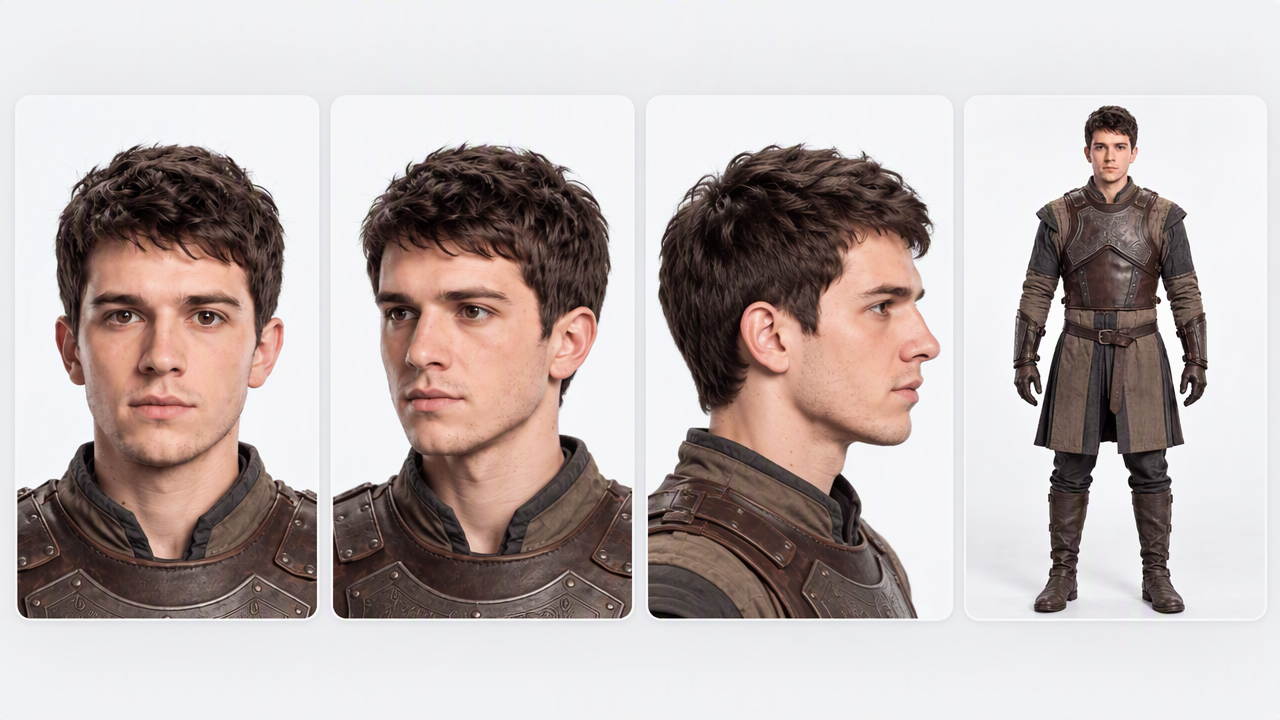
You do not have to use every angle every time, but several different views help the model understand the character more accurately.
How to create a character sheet quickly
You can quickly create a character sheet in zumastudio.ai. Just upload several photos of the same character from different angles, and the service will generate a ready-to-use character sheet that can be used as a reference for Seedance 2.5 video generation.
A well-prepared character sheet helps keep the same character consistent across different scenes, camera angles, and movements.
ZumaStudio.ai